AI Visual Translation EngineCanvas Studio + Open API

AI Manga & Comic Image Translator

TL;DR:MangaTrans AI automatically detects manga speech bubbles and floating sound effects, erases original text without damaging screentones, and typesets vertical or horizontal translations across 16 languages with an interactive browser editor.
AI Visual Translation Engine ReadyStandard Translation Mode420ms • 2 bubbles detected
Translation Settings
Choose scene mode, languages, layout direction, and privacy options

Checking chart translation availability…

16 languages supported

Pixel-accurate background cleaning + full-page multimodal Vision AI OCR correction & context-aware dialogue + editable PSD layers.

Uses our unrestricted translation channel so mature manga and doujinshi dialogue translates completely without refusal or censorship.

Multi-image, .zip / .cbz chapters, long webtoons, or Ctrl+V paste

100%
Clean Background
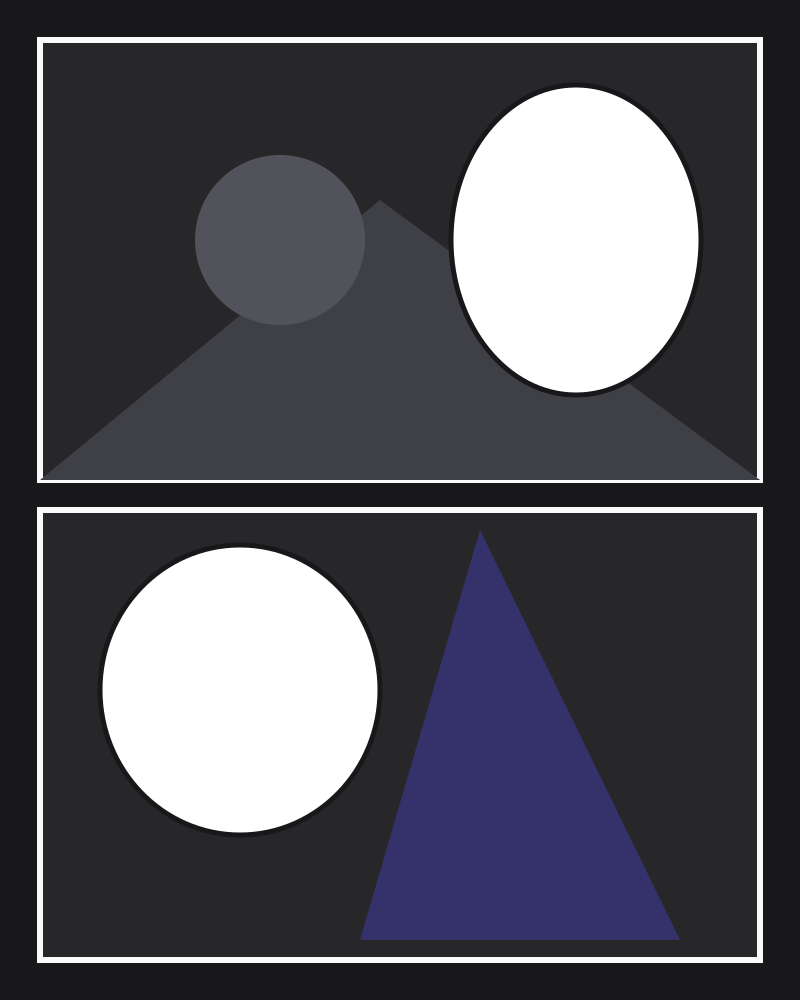
We have finally reached the Demon King Castle...!
Stay sharp, Hero Allen! Raise the Stardust Sword!
Bubble Typesetter
Click any bubble on the canvas to fine-tune text, font, or layout instantly
Multi-Language Matrix Export4

Reuse this clean background to generate localized PNGs for multiple markets in one ZIP.

Purpose-built recognition for curved manga speech bubbles, vertical dialogue, and floating sound effects

Seamless background restoration rebuilds complex manga screentones and gradients cleanly

Interactive Canvas editor lets you tweak translated text, fonts, and orientation in real time for free

Terminology Glossaries ensure character names and skill terms stay consistent across chapters

Frequently Asked Questions

How does MangaTrans AI preserve manga screentones when removing Japanese text?
Instead of covering speech bubbles with solid white boxes, our AI background restoration rebuilds underlying halftones, screentones, and artwork lines before rendering translated text.
Can I edit a mistranslated bubble without spending extra credits?
Yes. Every translation returns a clean text-free background layer plus editable bubble text layers. Click any bubble in our Canvas Studio to edit text, font size, or orientation instantaneously.

Explore More AI Translation Tools & Language Pairs